
The most high-impact tasks to delegate to a virtual admin assistant fall into seven operational categories: communication management, calendar and scheduling, data and document administration, client operations, research and reporting, project coordination, and financial support tasks. Business founders and executives who delegate systematically from these categories reclaim an average of 16.8 hours per week that they currently spend on work generating no direct revenue. Delegation is not a comfort decision; it is a strategic leverage mechanism that shifts your highest-cost resource – your own time – from operational execution to business-critical judgment.
Research consistently shows that knowledge workers spend 60-70% of their day on coordination, email, scheduling, and administrative tasks rather than the high-value work that actually drives growth. Every hour you spend on a task a skilled remote professional can handle at a fraction of your hourly rate is a direct cost to your business.

If you are ready to build an efficient delegation framework and connect with pre-vetted professionals, remote virtual administrative assistant services can match you with talent suited to your specific workflow within days rather than weeks.
This article gives you 47 specific, actionable tasks – grouped by category – that you can hand off starting this week, along with the tools, context, and expert guidance to do it right.
Why Knowing Which Tasks to Delegate to a Virtual Admin Assistant Matters
Delegation works only when it is specific. Telling someone to “handle admin” without defining scope creates confusion, missed deliverables, and frustration on both sides.
The 47 tasks below are concrete. Each one has a clear input, a defined process, and a measurable output. That specificity is what makes delegation actually work.

The Delegation ROI Framework
Before diving into the task list, understand the basic math behind delegation decisions:
| Your Hourly Value | VA Hourly Cost | Value Recovered Per Hour Delegated |
|---|---|---|
| $100/hr | $15/hr | $85/hr net gain |
| $150/hr | $20/hr | $130/hr net gain |
| $250/hr | $25/hr | $225/hr net gain |
| $500/hr | $35/hr | $465/hr net gain |
When a $250/hr executive spends 15 hours per week on scheduling, inbox triage, and report formatting, that represents over $195,000 in annual executive capacity applied to tasks a skilled VA handles efficiently. The business case for delegation is not philosophical; it is arithmetic.
Category 1 – Email and Communication Tasks (Tasks 1-8)
Email is the single largest time drain for most business owners and executives. According to research cited by McKinsey, professionals spend close to 28% of their workweek managing email. These eight tasks eliminate that drain entirely.

Tasks to Delegate in Email Management
Task 1: Inbox Triage and Prioritization
Your VA monitors your inbox, flags high-priority items requiring your personal attention, archives irrelevant messages, and routes everything else to appropriate folders or team members. You see only what demands your judgment.
Task 2: Email Response Drafting
For emails with defined response categories (meeting requests, vendor follow-ups, inquiry responses), your VA drafts replies using approved templates. You review and approve; they send.
Task 3: Unsubscribe and List Hygiene
Your VA audits your inbox for recurring newsletters, promotional emails, and subscriptions you no longer need and removes them systematically. Most inboxes contain 40-60 unnecessary subscriptions.
Task 4: Follow-Up Sequence Management
Your VA tracks outbound emails requiring follow-up, logs them in your CRM or a tracking sheet, and sends follow-up messages at defined intervals using agreed-upon messaging.
Task 5: Email Template Creation and Management
Your VA builds a library of approved response templates for your most common email categories – inquiry responses, meeting declines, referral thank-you notes, and client onboarding welcome messages.
Task 6: Shared Inbox or Customer Service Inbox Management
For team-level inboxes (info@, support@, hello@), your VA monitors, categorizes, assigns, and responds within defined SLAs, escalating only items requiring senior decision-making.
Task 7: Newsletter and Internal Communication Drafting
Your VA drafts weekly or monthly internal updates, client newsletters, or team communication emails using a provided brief and your established voice guidelines.
Task 8: Contact List Maintenance
Your VA updates contact information in your email platform or CRM when people change roles, companies, or contact details, ensuring your database stays clean and accurate.
Category 2 – Calendar and Scheduling Tasks (Tasks 9-16)
Calendar fragmentation is one of the most underestimated productivity costs in business. These tasks to delegate to a virtual admin assistant eliminate the back-and-forth entirely.

Scheduling Tasks Your VA Handles Better Than You Do
Task 9: Meeting Scheduling and Coordination
Your VA handles all inbound and outbound meeting requests, coordinates availability across parties, sends calendar invites with video links and agendas, and manages the confirmation process end-to-end.
Task 10: Timezone Management for International Calls
For businesses with global stakeholders, your VA converts meeting times across relevant timezones, confirms availability in each participant’s local time, and flags potential conflicts before they become problems.
Task 11: Calendar Auditing and Decluttering
Your VA conducts a regular audit of recurring meetings, identifies low-value calendar items, proposes which ones to cancel or shorten, and protects focused work blocks by declining or rescheduling low-priority requests.
Task 12: Meeting Reminder Sequences
Your VA sends 24-hour and 1-hour reminders to all meeting participants, confirms attendance, and alerts you to no-shows or rescheduling requests before the meeting begins.
Task 13: Conference and Event Registration
Your VA researches relevant industry events, handles registrations, books accommodation and travel at optimal rates, and adds all event details to your calendar with relevant preparatory notes.
Task 14: Interview Scheduling
When you are hiring, your VA coordinates candidate availability, books interview slots, sends calendar invites, and manages reschedule requests – reducing your HR coordination time to near zero.
Task 15: Internal Meeting Coordination
Your VA schedules recurring team meetings, sends agenda requests to participants, compiles responses, and distributes the finalized agenda before each session.
Task 16: Speaking Engagement and Podcast Coordination
If you speak publicly or appear on podcasts, your VA manages booking requests, coordinates logistics with organizers, prepares your calendar, and tracks all upcoming engagements in a single reference document.
Category 3 – Data, Documents, and File Management Tasks (Tasks 17-23)
Document disorder costs businesses hours of recovery time every week. These tasks create the organizational infrastructure that keeps everything findable and accurate.

Data and Document Tasks to Delegate Immediately
Task 17: Data Entry and CRM Updates
Your VA enters new contact records, updates deal stages, logs meeting notes, and maintains field-level accuracy in your CRM platform – whether HubSpot, Salesforce, Zoho, or any comparable system.
Task 18: Digital File Organization and Naming Convention Enforcement
Your VA audits your Google Drive, Dropbox, or SharePoint environment, reorganizes files according to agreed naming conventions, and creates a logical folder hierarchy that the whole team can navigate.
Task 19: Document Formatting and Standardization
Your VA formats proposals, reports, presentations, and contracts to match your brand standards – correct fonts, spacing, logo placement, and color usage – so every document leaving your business looks professional.
Task 20: Database Cleaning and Deduplication
Over time, every CRM and contact database accumulates duplicate records, outdated information, and incomplete entries. Your VA runs systematic cleaning passes, merging duplicates and flagging records requiring your input.
Task 21: Spreadsheet Maintenance and Updating
Your VA keeps recurring spreadsheets (team trackers, client lists, project logs, financial summaries) updated on a defined schedule, freeing you from manual data maintenance entirely.
Task 22: Contract and Agreement Tracking
Your VA maintains a master tracker of all active contracts, renewal dates, expiry notices, and signature statuses. You receive automated alerts for contracts requiring action before critical deadlines pass.
Task 23: Digital Asset Organization
Your VA organizes your image library, video assets, brand files, and content archives into a logical system with clear naming conventions, making assets immediately retrievable for any team member.
Category 4 – Research and Reporting Tasks (Tasks 24-30)
Research is essential but time-consuming. These tasks to delegate to a virtual admin assistant give you synthesized intelligence without the hours of raw information gathering.

Research Tasks Your VA Can Own Completely
Task 24: Competitor Monitoring
Your VA tracks competitor websites, social channels, pricing pages, and press releases on a defined schedule. You receive a weekly digest of relevant changes rather than spending time on manual monitoring.
Task 25: Lead Research and Prospect List Building
Your VA researches prospective clients against your ideal customer profile criteria, compiles contact information, verifies data accuracy, and delivers enriched prospect lists ready for outreach.
Task 26: Industry News Curation
Your VA monitors defined publications, industry blogs, LinkedIn feeds, and news sources, curates the most relevant stories, and delivers a brief daily or weekly summary aligned to your interests and business focus.
Task 27: Pre-Meeting Research Briefs
Before any significant client or prospect meeting, your VA prepares a one-page brief covering the company background, recent news, key stakeholders, and relevant talking points – so you walk in informed every time.
Task 28: Vendor and Supplier Research
When you need a new service provider, software tool, or supplier, your VA researches options, compares pricing and features, compiles shortlists with recommendations, and handles initial vendor outreach.
Task 29: Online Review Monitoring
Your VA monitors Google Business, G2, Trustpilot, and relevant industry review platforms for new reviews, flags negative feedback requiring response, and maintains a review tracking log.
Task 30: Report Compilation and Formatting
Your VA collects data from multiple sources, assembles it into structured reports, applies your formatting standards, and delivers polished documents on schedule – whether weekly performance reports or monthly executive summaries.
Category 5 – Client Operations and Customer Experience Tasks (Tasks 31-36)
Client-facing administration shapes perception directly. These tasks ensure every client interaction reflects the professionalism your brand promises.

Client Administration Tasks to Hand Off This Week
Task 31: Client Onboarding Documentation
Your VA prepares and sends welcome packets, collects onboarding questionnaire responses, creates client folders in your project management system, and ensures every new client enters your workflow with zero friction.
Task 32: Meeting Notes and Action-Item Distribution
During or immediately after client calls, your VA takes detailed notes, formats them into a clean summary, and distributes action items with owners and deadlines to all relevant parties within the agreed timeframe.
Task 33: Client Follow-Up Sequences
our VA manages post-meeting follow-ups, checks in on outstanding client deliverables, sends satisfaction check-in messages at defined intervals, and escalates unresponsive contacts to your attention.
Task 34: Testimonial and Review Request Campaigns
Your VA identifies satisfied clients at the right moment in the engagement lifecycle, sends personalized review request messages, follows up on incomplete submissions, and tracks campaign response rates.
Task 35: Proposal Formatting and Delivery
After you provide the core content, your VA formats proposals to brand standard, adds all relevant attachments, creates the cover page, and manages the delivery and follow-up process.
Task 36: Customer Service Ticket Routing
Your VA monitors your helpdesk inbox, categorizes tickets by type and urgency, responds to straightforward queries using approved scripts, and routes complex issues to the right team member with full context already summarized.
Category 6 – Project Coordination and Operations Tasks (Tasks 37-42)
Operational coordination tasks accumulate invisibly until they consume entire workdays. These tasks represent the organizational backbone that keeps your team moving.
Operational Tasks to Delegate for Immediate Efficiency Gains
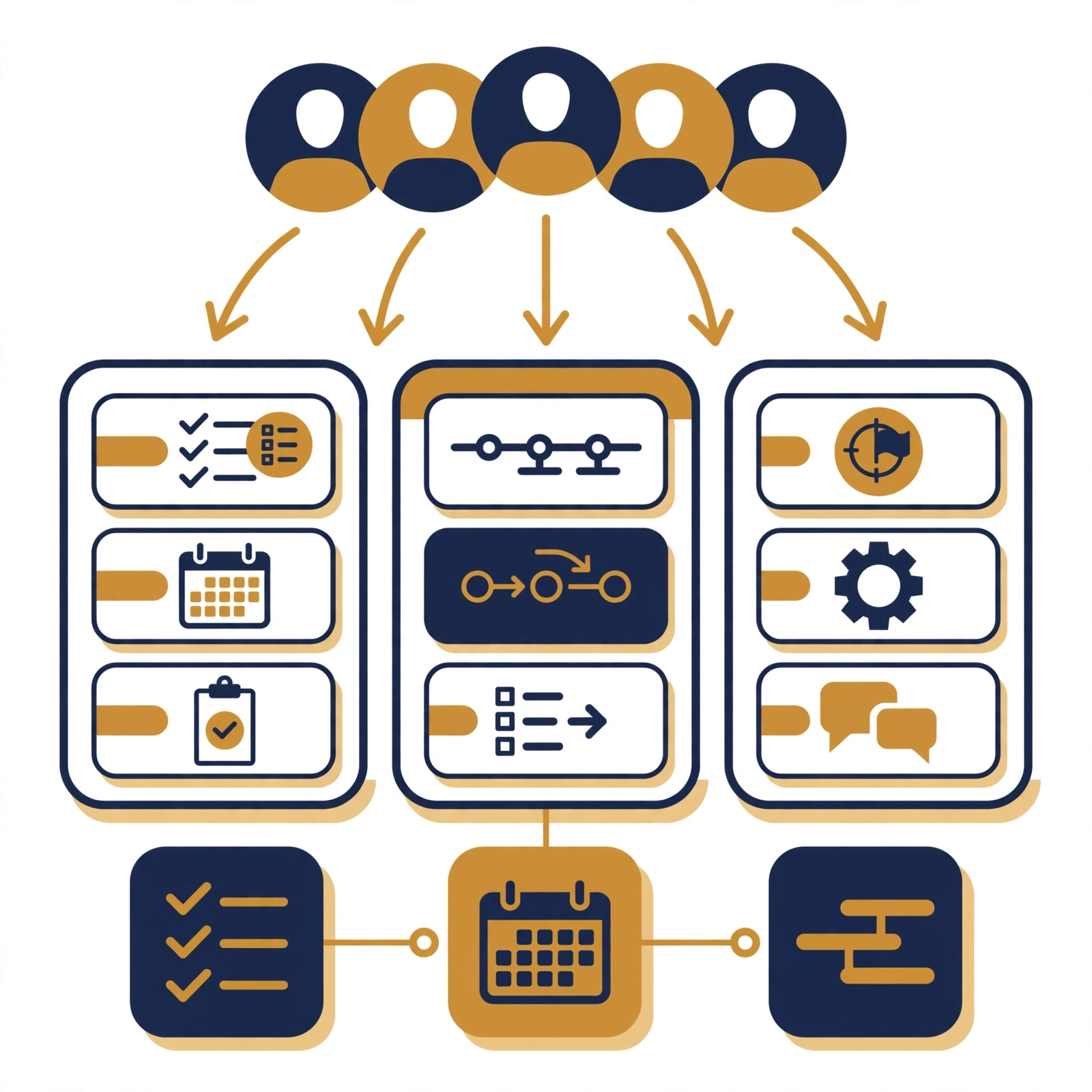
Task 37: Project Management Tool Maintenance
Your VA keeps Asana, Monday.com, Trello, ClickUp, or your chosen platform current: updating task statuses, reassigning overdue items, archiving completed projects, and ensuring your dashboard reflects accurate real-time state.
Task 38: Team Meeting Preparation
Your VA collects agenda items from all attendees, organizes them by priority, prepares pre-read documents, and distributes everything at least 24 hours before the meeting, so the session focuses on decisions rather than orientation.
Task 39: SOP Documentation
Your VA observes or documents your recurring processes, writes step-by-step Standard Operating Procedures, formats them in your chosen system (Notion, Confluence, Google Docs), and maintains version control as processes evolve.
Task 40: Onboarding New Team Members
Your VA coordinates access provisioning, sends welcome communications, prepares orientation schedules, and manages the administrative components of bringing new hires or contractors into your organization.
Task 41: Vendor Invoice and Billing Coordination
Your VA receives vendor invoices, checks them against purchase orders or contracts, flags discrepancies, and routes approved invoices to the relevant approver – reducing the cognitive load of accounts payable without requiring financial authority.
Task 42: Internal Newsletter and Team Update Coordination
Your VA collects updates from team leads, writes the internal communication draft, formats it according to your standards, and distributes it on schedule – keeping your team informed without requiring you to write a single sentence.
Category 7 – Administrative Support and Personal Productivity Tasks (Tasks 43-47)
These five tasks address the miscellaneous administrative layer that consumes more time than most people realize until they track it carefully.

Administrative Tasks That Free Up More Time Than You Expect
Task 43: Travel Research and Booking
Your VA researches flights, hotels, and ground transportation according to your preferences and budget parameters, presents options for your approval, books confirmed itineraries, and prepares a single travel document containing every relevant detail.
Task 44: Expense Report Compilation
Your VA collects receipts from your designated folder or expense app, categorizes each item according to your accounting chart of accounts, compiles the report, and submits it to your finance team or accountant for processing.
Task 45: Subscription and Software Audit
Most businesses pay for 10-20% more software subscriptions than they actively use. Your VA audits your monthly charges, identifies unused or duplicate tools, and presents a consolidation recommendation that often saves hundreds per month immediately.
Task 46: Gift and Recognition Coordination
Your VA manages client and team gifting programs: sourcing options within budget, coordinating delivery, tracking recipient preferences, and maintaining a gift log so you never send the same item twice or miss a significant occasion.
Task 47: LinkedIn and Professional Profile Updates
Your VA updates your LinkedIn profile with new achievements, formats experience descriptions to your voice guidelines, monitors connection requests requiring your personal response, and keeps your public profile current without requiring your direct involvement.

How to Hand Off Tasks to a Virtual Admin Assistant Without Losing Control
Knowing which tasks to delegate to a virtual admin assistant is only the first step. The handoff process determines whether delegation delivers results or creates new problems.
The 4-Step Delegation Handoff Framework
Follow these steps for every task you delegate:
Step 1: Document the process before the first handoff.
Write a brief SOP covering: the goal, the inputs required, the step-by-step process, the tools used, the expected output, and one example of the completed task done correctly.
Step 2: Run one supervised trial.
Have your VA complete the task while you observe or review closely. Provide specific, actionable feedback on the first attempt rather than broad corrections.
Step 3: Define quality standards explicitly.
Specify what “done correctly” looks like for each task. Ambiguous standards lead to inconsistent output. Clear standards create reliable, repeatable results.
Step 4: Set a 30-day review checkpoint.
After 30 days of delegation, review output quality, communication efficiency, and whether the task is consuming less of your time than expected. Adjust scope or process based on real performance data.
The Delegation Priority Matrix
Not all 47 tasks deserve immediate delegation. Use this framework to prioritize:
| Priority | Task Characteristics | Delegate When |
|---|---|---|
| Immediate | Recurring, high-frequency, well-defined | This week |
| Short-term | Regular but requires brief documentation | Within 2 weeks |
| Medium-term | Occasional, needs SOP development | Within 30 days |
| Long-term | Complex, context-dependent | After 60-day relationship |
Start with the highest-frequency tasks in Category 1 (Email) and Category 2 (Scheduling). These deliver the fastest time recapture because they occur daily.
Common Mistakes When Delegating to a Virtual Admin Assistant
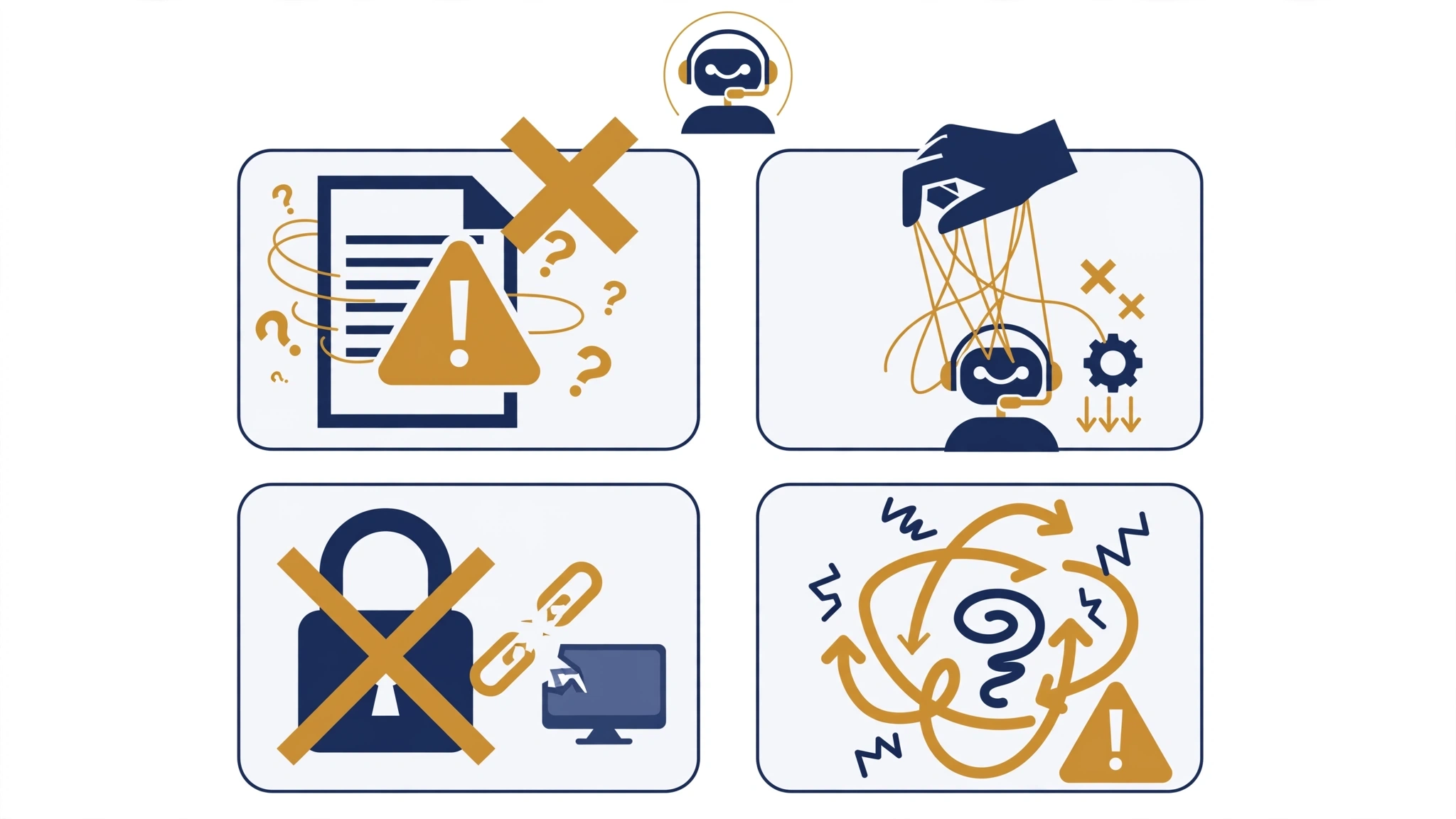
Mistake 1 – Delegating Without Context
Handing off a task with the instruction “just figure it out” sets your VA up to fail and wastes the time you were trying to save. Every task delegation should include goal, context, tools, and expected output.
Mistake 2 – Starting With Complex Tasks
Begin with high-frequency, well-defined tasks where success is easy to measure. Build the working relationship and communication rhythm before delegating tasks requiring nuanced judgment or sensitive information access.
Mistake 3 – Micromanaging After Delegating
If you review every email your VA drafts before it sends, you have not delegated the task; you have added a review step to your workload. Define quality standards upfront, then trust the process. Spot-check rather than review everything.
Mistake 4 – Failing to Provide Feedback in the First 30 Days
The first month of a VA engagement is a calibration period. Silence is not approval; it is missed opportunity. Specific, timely feedback during the first 30 days accelerates the VA’s ability to operate autonomously.
Mistake 5 – Delegating Without Access
A VA cannot manage your calendar without calendar access. They cannot update your CRM without credentials. Failing to provision the right access on day one creates friction that delays productivity for weeks.
Expert Tips for Maximum Delegation ROI

Tip 1 – Record Before You Document
Instead of writing SOPs from scratch, record a screen-share video of yourself completing each task once. Your VA can write the SOP from the recording, which saves you documentation time and produces a more accurate procedure document.
Tip 2 – Use a Delegation Tracker
Maintain a simple spreadsheet listing every delegated task, the date delegated, the current status, and the last quality review date. This single document prevents tasks from falling through the gaps during transitions.
Tip 3 – Create a Communication Protocol Document
Specify exactly how you want your VA to communicate with you: which platform (Slack, email, WhatsApp), response time expectations, how to escalate urgent items, and how to flag blockers. This document eliminates the vast majority of communication friction in the first month.
Tip 4 – Batch Your Oversight Time
Instead of responding to individual VA messages throughout the day, schedule one 15-minute daily check-in where you review output, answer questions, and provide direction. This approach protects your focus while keeping the VA unblocked.
Tip 5 – Expand Scope After Each Successful 30-Day Cycle
Start with 5-10 tasks in the first month. Add 5-10 more in month two based on demonstrated reliability. This graduated approach builds trust systematically and ensures your VA never has more delegated responsibility than their demonstrated capacity can support.
Research consistently highlights that delegation efficiency reaches 84% accuracy after 90 days, and teams with documented SOPs in place hit 91% accuracy by day 30. Documentation is not optional; it is the primary ROI driver.
Frequently Asked Questions About Tasks to Delegate to a Virtual Admin Assistant
What are the best tasks to delegate to a virtual admin assistant first?
The best first tasks to delegate to a virtual admin assistant are high-frequency, well-defined tasks with clear inputs and outputs. Email inbox triage, meeting scheduling, data entry, and CRM updates are ideal starting points because they occur daily, have measurable quality standards, and free the most time the fastest.
How many tasks should I delegate in the first month?
Start with five to eight tasks in the first 30 days. This volume is enough to deliver meaningful time savings while allowing you and your VA to calibrate communication, quality standards, and workflow preferences. Add additional tasks in month two based on demonstrated performance.
What tasks should a business owner never delegate to a virtual admin assistant?
Tasks requiring your personal authority, legal signature, final financial approval, or confidential strategic judgment should remain with you. These include signing contracts, making hiring or firing decisions, approving major expenditures, and communicating sensitive organizational changes to stakeholders.
How do I know if a task is ready to delegate?
A task is ready to delegate when you can answer yes to three questions: Can it be described in a written process? Can output quality be measured objectively? Does completing it require your personal authority or judgment? If the first two are yes and the third is no, delegate it.
Can a virtual admin assistant handle industry-specific tasks?
Yes, particularly at mid-level and senior experience tiers. Many remote administrative professionals specialize in legal, medical, financial, real estate, and technology sectors. Matching your VA’s industry background to your specific administrative needs significantly reduces onboarding time and increases output quality from day one.
How quickly can a virtual admin assistant take over tasks to delegate?
Most well-documented tasks can transfer within one to two weeks. High-frequency tasks like email management typically stabilize within 10-14 days. Complex tasks involving multiple tools or stakeholder relationships may take 30-45 days to reach full autonomous operation.
Start Delegating These Tasks to Your Virtual Admin Assistant This Week
You now have 47 specific, actionable tasks to delegate to a virtual admin assistant – organized by category, grounded in delegation best practices, and ready to implement without further preparation.

The key principles to carry forward are:
Start with frequency, not complexity.
High-volume daily tasks deliver the fastest time recapture.
Document before you delegate.
A brief SOP transforms a vague handoff into a reliable, repeatable process.
Calibrate in the first 30 days.
Feedback during the early period determines long-term delegation success.
Expand scope systematically.
Add tasks each month as your VA demonstrates reliability in the previous batch.
Measure recovered time.
Track the hours you reclaim each week and redirect them explicitly toward revenue-generating work.
The businesses that scale efficiently are not the ones that work harder; they are the ones that delegate strategically, build robust operational support, and protect their highest-value time for decisions only they can make.
If you are ready to stop identifying what to delegate and start actually delegating it, with professionals who are pre-vetted, immediately available, and matched to your specific operational requirements.