

The most effective interview questions for virtual administrative assistant candidates test five capabilities: task execution across your tech stack, asynchronous communication discipline, prioritization under ambiguity, data confidentiality practices, and AI-assisted workflow fluency. Instead of generic personality prompts, use structured, behavior-based questions scored against a weighted rubric tied to your actual delegated workload. The 27 questions below follow that model, so you can separate candidates who simply list skills from those who can own your inbox, calendar, and operations without constant oversight.
Before you start interviewing, it helps to know what a well-run managed virtual administrative support model looks like in practice. That benchmark gives you a clear reference point for every answer you hear. Consequently, you can spot gaps in process, tooling, and accountability much faster.
What Are the Best Interview Questions for Virtual Administrative Assistant Hiring?
The best interview questions for virtual administrative assistant hiring are behavior-based, scenario-driven, and scored against a rubric. They ask candidates to describe real past actions, solve realistic problems, and explain how they work without supervision.
Here is the quick answer in list form:
- Experience questions confirm that the candidate has handled similar scope, volume, and seniority.
- Tool and task questions show hands-on skill with email, calendars, documents, and project software.
- Communication questions reveal how the candidate works across time zones and stays visible while offline.
- Judgment questions expose how the candidate prioritizes, escalates, and recovers from mistakes.
- Security questions verify respect for confidential data and safe remote work habits.
- AI fluency questions show whether the candidate uses automation responsibly.
- Reliability questions clarify availability, response times, and long-term fit.
Why a Structured Interview Beats a Casual Chat

A casual conversation feels friendly, but it rarely predicts job performance. Candidates who speak confidently often win these chats, even when their actual output is average. Structured interviews fix this problem because every candidate answers the same questions, and you score each answer against the same criteria.
The U.S. Office of Personnel Management explains that structured interviews use standardized questions and scoring guides to improve consistency and reduce bias. That principle applies directly to remote hiring, where you cannot observe a candidate’s desk, habits, or daily rhythm.
Here is how the three common formats compare:
| Interview format | Best for | Main weakness | Predictive value |
|---|---|---|---|
| Unstructured chat | Gauging rapport quickly | Favors charm over skill | Low |
| Structured behavioral interview | Comparing candidates fairly | Needs prep time and a rubric | High |
| Paid work-sample trial | Proving real output quality | Takes longer and costs money | Very high |
The strongest hiring process combines all three. Start with a short chat, run the structured interview, and finish with a paid trial task.
Build the Interview Around Your Workload First
![[STRIPPED 70 bytes]](https://krmis.com/wp-content/uploads/2026/10/STRIPPED-70-bytes.webp)
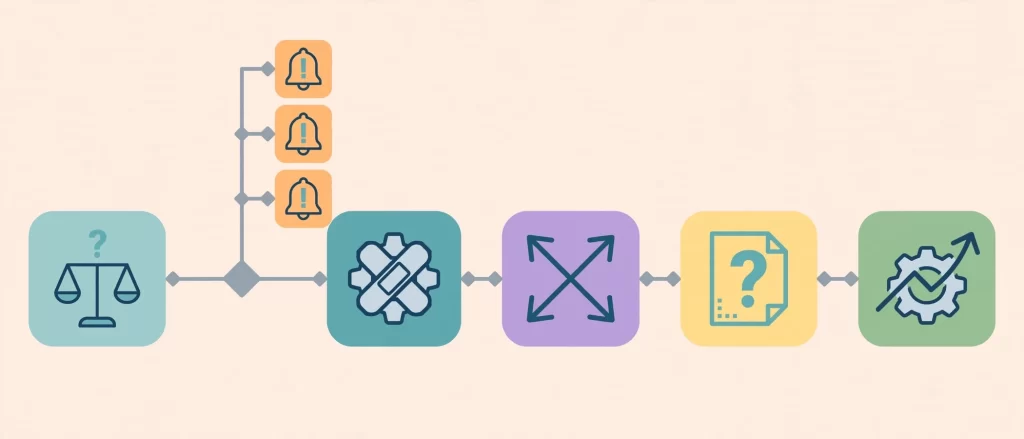
Many hiring managers write questions before they define the job. As a result, they test for skills they never needed and miss the ones they did. Therefore, audit your workload before you schedule a single call.
If you have not written the role down yet, this guide on how to write a virtual admin assistant job description walks through the process. Once the scope is clear, map each task category to the skills you must test.
The U.S. Bureau of Labor Statistics describes the administrative assistant occupation as a mix of scheduling, communication, record keeping, and office coordination. Your own list will be more specific, and that specificity is what makes your questions sharper.
The Workload Audit Table
Fill in this table before the first interview. It connects your real tasks to the questions in this article.
| Task category | Example tasks | Weekly hours (you fill in) | Skill to test | Matching questions |
|---|---|---|---|---|
| Inbox management | Triage, drafts, follow-ups | \_\_\_ | Judgment, speed, tone | 5, 12, 14 |
| Calendar and travel | Scheduling, bookings, itineraries | \_\_\_ | Precision, time zone fluency | 6, 8, 10 |
| Documents and reporting | Trackers, summaries, slide edits | \_\_\_ | Spreadsheet and writing skill | 7, 9, 23 |
| Client and vendor contact | Follow-ups, confirmations, escalations | \_\_\_ | Communication, diplomacy | 11, 13 |
| Operations and admin | Invoicing, filing, onboarding | \_\_\_ | Process discipline | 3, 18 |
| Confidential work | Finance data, HR, credentials | \_\_\_ | Security habits | 19, 20, 21 |
| Automation and AI | Templates, workflows, AI drafting | \_\_\_ | AI fluency | 22, 23, 24 |
Next, review the list of specific tasks to delegate to a virtual admin assistant. It helps you spot hidden work that belongs on your audit table.
27 Interview Questions for Virtual Administrative Assistant Candidates
Each question below includes three parts: what the question reveals, what a strong answer sounds like, and which red flag to watch for. Use the full bank as a menu. In a 45 to 60 minute interview, most managers cover 10 to 12 questions, so pick the ones that match your audit.
Experience and Role Fit Questions (1–4)
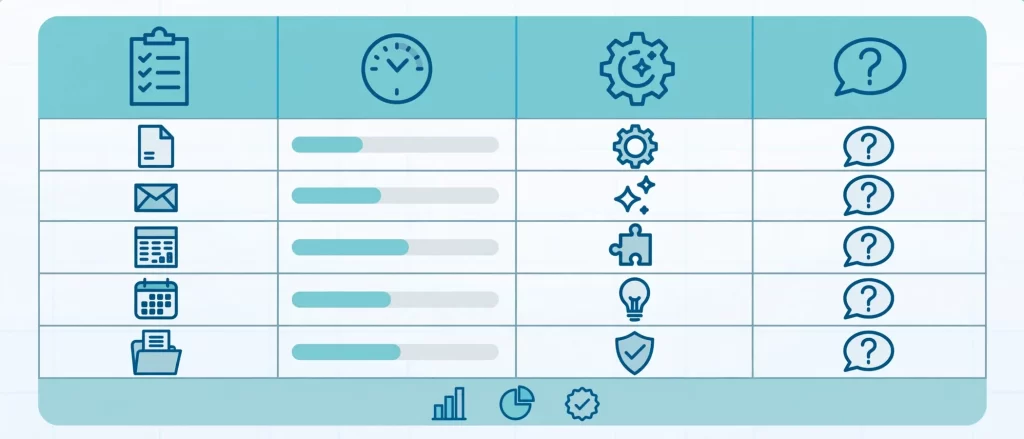
1. “Walk me through the last three clients or executives you supported. What did a typical week look like?”
- What it reveals: Scope, seniority, and pace of past work.
- Strong answer: Specific numbers, such as daily email volume, meetings per week, and named tools.
- Red flag: Vague phrases like “I did everything” with no examples.
2. “Which tasks did you own end to end, and which did you only support?”
- What it reveals: Ownership level versus task-taking.
- Strong answer: Clear examples of projects the candidate finished without hand-holding.
- Red flag: Claiming ownership of everything, yet unable to explain the outcomes.
3. “Describe the most complex project you managed for someone else. What made it hard?”
- What it reveals: Project coordination and problem-solving depth.
- Strong answer: A defined goal, a timeline, obstacles, and a measurable result.
- Red flag: Describing only routine tasks, or blaming others for every obstacle.
4. “Why did your last engagement end, and what would that client say about you?”
- What it reveals: Honesty, self-awareness, and reference readiness.
- Strong answer: A calm, factual explanation and an offer to share contacts.
- Red flag: Bitter criticism of a former client or hesitation about references.
Task Execution and Tool Questions (5–9)
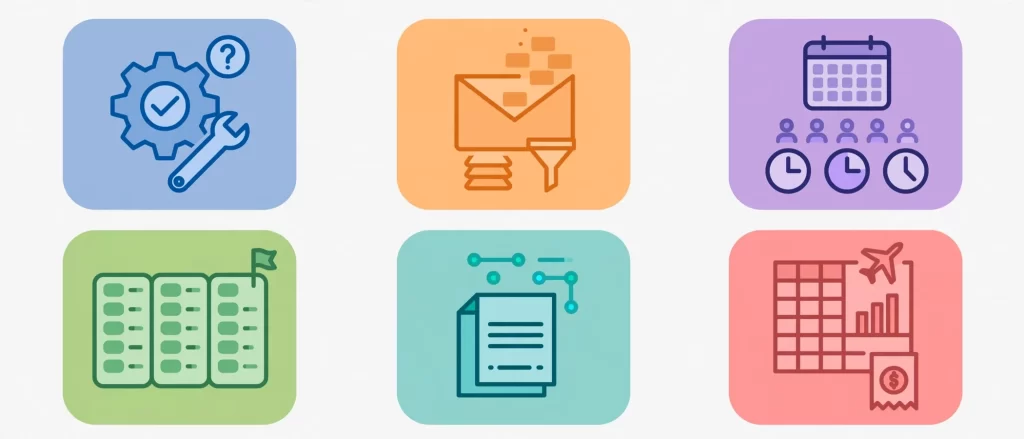
5. “How do you manage an executive inbox that receives 150 new emails a day?”
- What it reveals: Triage logic and system thinking.
- Strong answer: Filters, labels, response templates, a daily summary, and clear escalation rules. Better still, the candidate drafts replies for approval rather than sending blindly.
- Red flag: “I read everything and reply to what looks important.”
6. “Walk me through scheduling a recurring meeting for five people across three time zones, including conflicts and buffers.”
- What it reveals: Calendar precision and time zone awareness.
- Strong answer: Uses shared availability tools, confirms local times in writing, and protects focus blocks.
- Red flag: Ignores daylight saving changes or relies on mental math.
7. “Which project management, CRM, and document tools do you use daily, and how do you keep records clean?”
- What it reveals: Practical tool fluency and data hygiene.
- Strong answer: Names specific tools, naming conventions, and a habit of updating records the same day.
- Red flag: Lists many tools but cannot explain a single workflow.
8. “How do you handle travel booking and expense reporting when plans change and the budget is tight?”
- What it reveals: Resourcefulness and cost awareness.
- Strong answer: Compares options, documents approvals, tracks receipts, and flags overruns early.
- Red flag: Books first and asks permission later.
9. “Show me how you would turn a messy spreadsheet into a clean weekly report.”
- What it reveals: Data skill and attention to detail.
- Strong answer: Mentions cleaning duplicates, using formulas or pivot tables, and checking totals. Ideally, the candidate shares a screen and demonstrates live.
- Red flag: Describes copy-and-paste work only, with no verification step.
Communication and Async Work Questions (10–13)

10. “How do you keep a client informed when they are offline or in a different time zone?”
- What it reveals: Async communication discipline.
- Strong answer: Written handoffs, end-of-day summaries, and a clear list of decisions needed. For deeper context, our async playbook for managing a virtual admin assistant across time zones covers the full system.
- Red flag: Waits for the client to ask for updates.
11. “Tell me about a time you had to push back on a request or deliver difficult news.”
- What it reveals: Backbone and diplomacy.
- Strong answer: A respectful, fact-based response with an alternative offered.
- Red flag: Always agrees, then quietly fails to deliver.
12. “How do you confirm you understood a vague instruction before you start work?”
- What it reveals: Clarifying habits that prevent rework.
- Strong answer: Restates the task, asks about deadline and format, and confirms in writing.
- Red flag: Starts immediately and guesses at the details.
13. “What does your end-of-day update look like? Can you share an example?”
- What it reveals: Visibility and reporting quality.
- Strong answer: Short, scannable updates with done, in progress, blocked, and next steps.
- Red flag: Long, unstructured messages or no updates at all.
Judgment and Prioritization Questions (14–18)
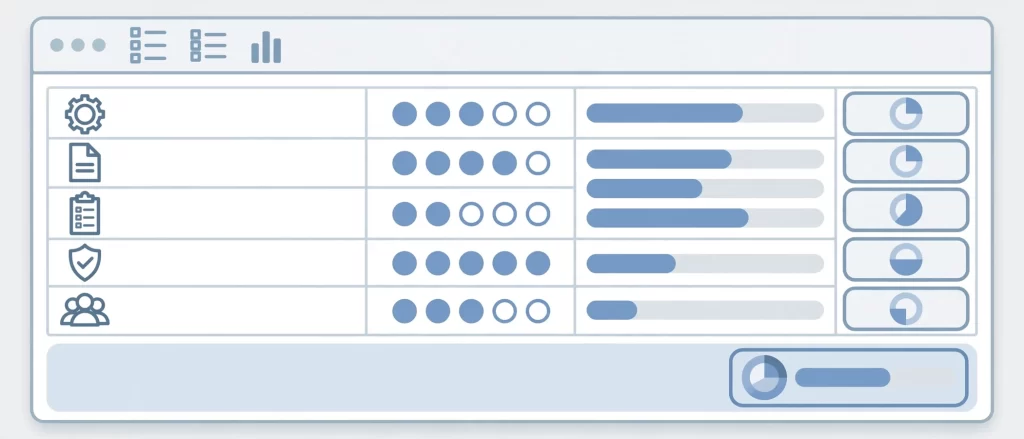
14. “Three urgent requests arrive at once from three different people. How do you decide the order?”
- What it reveals: Prioritization logic.
- Strong answer: Considers deadlines, impact, and the requester’s authority, then communicates the plan to everyone.
- Red flag: Treats the loudest request as the most important one.
15. “Tell me about a mistake you made on a client’s behalf and what you changed afterward.”
- What it reveals: Accountability and learning speed.
- Strong answer: Owns the error, explains the fix, and describes a new checklist or safeguard.
- Red flag: Claims to have never made a mistake.
16. “What do you do when a new instruction conflicts with an earlier one or with company policy?”
- What it reveals: Judgment in gray areas.
- Strong answer: Pauses, documents the conflict, and asks for a decision before acting.
- Red flag: Picks one option silently and hopes for the best.
17. “How would you handle a task you have never done before when nobody is available to ask?”
- What it reveals: Resourcefulness and self-direction.
- Strong answer: Searches documentation, tests on a small scale, and records what they learn.
- Red flag: Stops work until someone replies.
18. “Describe a process you improved without being asked.”
- What it reveals: Initiative and process thinking.
- Strong answer: Names the problem, the change, and the time or error reduction that followed.
- Red flag: Cannot recall any improvement beyond doing assigned tasks.
Confidentiality and Remote Setup Questions (19–21)
19. “How do you protect confidential information such as passwords, financial data, and client records?”
- What it reveals: Security habits.
- Strong answer: Mentions password managers, two-factor authentication, encrypted storage, and limited access sharing.
- Red flag: Stores passwords in notes apps or shares logins through chat.
20. “What would you do if you accidentally sent a sensitive email to the wrong person?”
- What it reveals: Incident response and honesty.
- Strong answer: Recalls the message if possible, notifies the client immediately, and documents the incident.
- Red flag: Hopes nobody notices.
21. “Describe your home office setup, including backup internet, power, and device security.”
- What it reveals: Reliability of the remote environment.
- Strong answer: Names a backup connection, updated devices, a private workspace, and a plan for outages.
- Red flag: Works from a shared device or public Wi-Fi.
AI Fluency and Automation Questions (22–24)

22. “Which AI tools do you use in your admin workflow, and where do you refuse to use them?”
- What it reveals: Practical AI skill paired with sound boundaries.
- Strong answer: Uses AI for drafts, summaries, and research, but never pastes confidential data into unapproved tools.
- Red flag: Either avoids AI entirely or trusts it without review.
23. “Show me how you would use an AI assistant to summarize a long email thread, then verify the result.”
- What it reveals: Prompting skill and fact-checking habits.
- Strong answer: Writes a clear prompt, compares the summary against the source, and corrects errors.
- Red flag: Accepts the first output as final.
24. “How do you decide which repetitive tasks to automate, and how do you document the automation?”
- What it reveals: Systems thinking.
- Strong answer: Targets high-frequency, low-risk tasks and records each workflow so the client can audit it.
- Red flag: Builds hidden automations that nobody else understands.
If AI skill matters for your role, compare the two models in this breakdown of an AI-trained virtual admin assistant versus a traditional VA. It clarifies which profile fits your workload.
Reliability and Long-Term Fit Questions (25–27)
25. “What availability and response times can you realistically commit to?”
- What it reveals: Honesty about capacity.
- Strong answer: Gives specific working hours, overlap windows, and a response-time standard.
- Red flag: Promises 24/7 availability.
26. “What do you need from me in the first 30 days to succeed?”
- What it reveals: Onboarding maturity.
- Strong answer: Asks for access, priorities, preferred communication channels, and examples of good work.
- Red flag: Needs no information, or expects the client to manage everything.
27. “How should we measure your success in the first 90 days?”
- What it reveals: Accountability and outcome focus.
- Strong answer: Proposes measurable targets, such as response time, error rate, and hours saved.
- Red flag: Avoids metrics and speaks only in general terms.
How to Score Answers Without Guessing
Great answers mean little without a scoring method. Use a simple five-point scale, and write down what each score looks like before the first interview.
The Interview Scorecard
| Competency | Weight | Questions | 1 = Weak | 3 = Solid | 5 = Excellent |
|---|---|---|---|---|---|
| Experience and ownership | 15% | 1–4 | Vague, no detail | Clear scope, some results | Quantified outcomes |
| Tools and task skill | 20% | 5–9 | Tool lists only | Working fluency | Live demo, clean process |
| Async communication | 15% | 10–13 | Reactive updates | Regular updates | Proactive, structured handoffs |
| Judgment | 20% | 14–18 | Impulsive | Reasonable logic | Clear framework, owns errors |
| Security and setup | 15% | 19–21 | Careless habits | Basic safeguards | Layered protection |
| AI fluency | 10% | 22–24 | Avoids or overtrusts | Uses with review | Documented, audited workflows |
| Reliability and fit | 5% | 25–27 | Overpromises | Realistic | Metric-driven commitments |
Adjust the weights to match your own priorities. For example, a founder who handles sensitive financial data may raise the security weight to 25%.
Weak Answer vs. Strong Answer: A Quick Comparison

| Question topic | Weak answer | Strong answer |
|---|---|---|
| Inbox triage | “I read everything.” | “I use filters, a daily summary, and approval drafts.” |
| Time zones | “I will stay online.” | “I send written handoffs and protect overlap hours.” |
| Mistakes | “I rarely make any.” | “I missed a deadline, so I added a reminder system.” |
| Security | “I use strong passwords.” | “I use a password manager and two-factor authentication.” |
| AI use | “I let AI write everything.” | “I use AI for drafts and verify every output.” |
Step-by-Step: Run the Interview Process in Six Stages
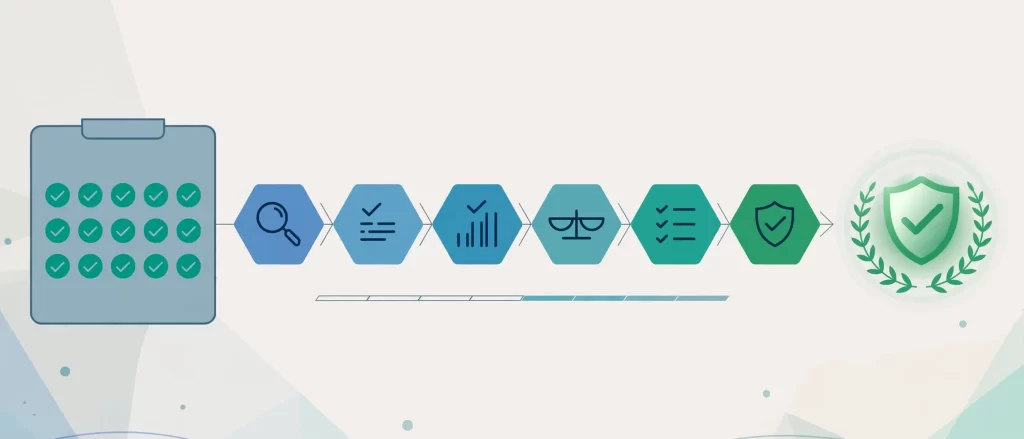
A good process protects you from rushed decisions. Follow these steps in order.
![[STRIPPED 71 bytes]](https://krmis.com/wp-content/uploads/2026/10/STRIPPED-71-bytes-1024x439.webp)
- Define the workload. Complete the audit table and rank your top five tasks.
- Screen the applications. Look for relevant tool experience and clear written communication.
- Hold a 15-minute intro call. Confirm availability, rate expectations, and basic fit.
- Run the structured interview. Ask 10 to 12 questions from this list and score each one immediately.
- Assign a paid trial task. Give a realistic two-hour assignment with a clear deadline.
- Check references and decide. Compare scores, review the trial, and call at least two references.
Budget matters at this stage too. Rates differ by skill and location, so review what virtual administrative assistants cost per hour by skill level and region before you set expectations.
Design a Paid Trial Task That Proves Real Skill
Interview answers show how a candidate thinks. A trial task shows how that candidate works. Keep the assignment small, realistic, and paid.
Good trial tasks include:
- Triage a sample inbox of 30 emails and draft five replies.
- Build a weekly calendar for a traveling executive across two time zones.
- Clean a messy spreadsheet and produce a one-page summary.
- Write a short process document for a repeated task.
- Summarize a long thread and list three decisions the client must make.
Then review the output against a checklist. Check accuracy first, clarity second, and speed third. Notably, the candidate’s questions during the trial often reveal more than the final deliverable.
Common Mistakes When Using Interview Questions for Virtual Administrative Assistant Roles
Even strong question banks fail when the process is sloppy. Avoid these common errors:
- Skipping the workload audit. Without it, you test generic skills instead of the ones you need.
- Asking different questions to each candidate. Inconsistent questions make fair comparison impossible.
- Hiring on rapport alone. Likability does not equal reliability.
- Ignoring tool fluency. Candidates who cannot demonstrate their tools will slow you down for weeks.
- Skipping the trial task. A polished interview can hide weak output.
- Overlooking time zone overlap. Even skilled assistants struggle when no working hours align.
- Forgetting to score immediately. Memory fades quickly, and recent candidates feel stronger than earlier ones.
- Asking unlawful or irrelevant questions. These expose you to legal risk and add no useful information.
On that last point, review the EEOC guidance on prohibited employment practices before you finalize your list. Rules vary by country, so confirm local requirements when you hire across borders. As a general rule, focus on job-related skills and behavior, and avoid questions about age, family status, health, religion, or nationality.
Red Flags and Green Flags to Watch During the Interview
![[STRIPPED 67 bytes]](https://krmis.com/wp-content/uploads/2026/10/STRIPPED-67-bytes-1024x439.webp)
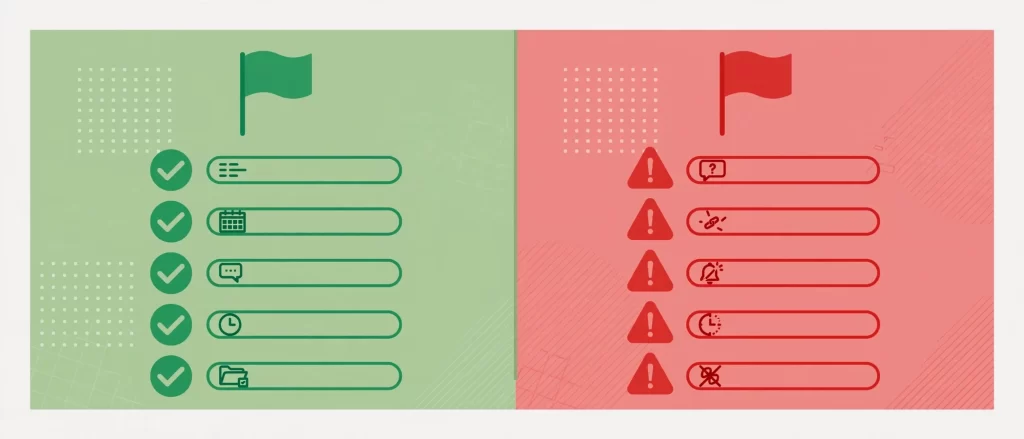
Patterns matter more than single answers. Watch for these signals across the whole conversation.
Green flags:
- Gives specific examples with numbers and outcomes.
- Asks smart questions about your priorities and tools.
- Describes systems, not just effort.
- Admits past mistakes and explains the fix.
- Proposes clear communication rhythms.
Red flags:
- Answers stay vague even after follow-up questions.
- The candidate blames former clients for every problem.
- Security answers feel casual or dismissive.
- Availability promises sound unrealistic.
- The candidate asks nothing about the role.
Expert Tips to Get More From Every Interview
These tips come from patterns we see when matching remote assistants with busy professionals.
- Ask follow-ups. Questions like “What happened next?” and “What would you change?” separate real stories from rehearsed ones.
- Request a live screen share. Ten minutes of watching a candidate work in a spreadsheet or inbox beats an hour of description.
- Set a communication test. Send a short, slightly vague email before the interview and watch how the candidate responds.
- Interview for fit with your style. A detail-heavy manager needs a different assistant than a big-picture founder.
- Define the first 30 days. Share your onboarding plan, and notice whether the candidate adds useful ideas.
- Plan for growth. If you expect your workload to expand, evaluate each candidate’s long-term potential alongside current skill.
Frequently Asked Questions
What are the best interview questions for virtual administrative assistant candidates?
The best interview questions for virtual administrative assistant candidates are behavior-based and tied to your real workload. Ask about past inbox management, time zone scheduling, mistakes and fixes, data security, and AI use. Then score each answer against a written rubric.
How many interview questions should I ask a virtual admin assistant?
Most structured interviews cover 10 to 12 questions in 45 to 60 minutes. Choose questions from the 27 above that match your audit, and ask every candidate the same set so you can compare scores fairly.
How do I test a virtual assistant beyond the interview?
Assign a paid trial task of about two hours. For example, ask the candidate to triage a sample inbox, build a calendar, or clean a spreadsheet. Then review accuracy, clarity, and speed.
What are the biggest red flags in a virtual admin interview?
Watch for vague answers, blame toward past clients, careless security habits, unrealistic availability claims, and no questions about your business. Any one of these deserves a follow-up. Several together usually mean you should move on.
Should I ask about AI tools when hiring a virtual administrative assistant?
Yes. Modern admin work relies on AI for drafting, summarizing, and automation. Ask which tools the candidate uses, how they verify outputs, and what data they refuse to share with AI platforms.
How long should the hiring process take?
A structured process often runs one to two weeks, depending on how fast candidates complete the trial task. Rushing saves days but can cost months if the hire fails.
Conclusion: Use the Right Questions, Hire With Confidence

The right interview questions for virtual administrative assistant hiring turn a risky guess into a measured decision. Start with a workload audit, ask structured questions, score each answer, and confirm the result with a paid trial. In addition, stay alert to red flags in security, communication, and availability.
You now have 27 questions, a scorecard, and a six-stage process. Use them consistently, and your next hire will handle real work from week one. When you are ready to skip the guesswork, start delegating with a vetted virtual admin assistant today and get time back for the work only you can do.